
Capnot
macOS 13+
Captions, annotations, and pointer tools on your macOS screen. Helps you present your screen more effectively.
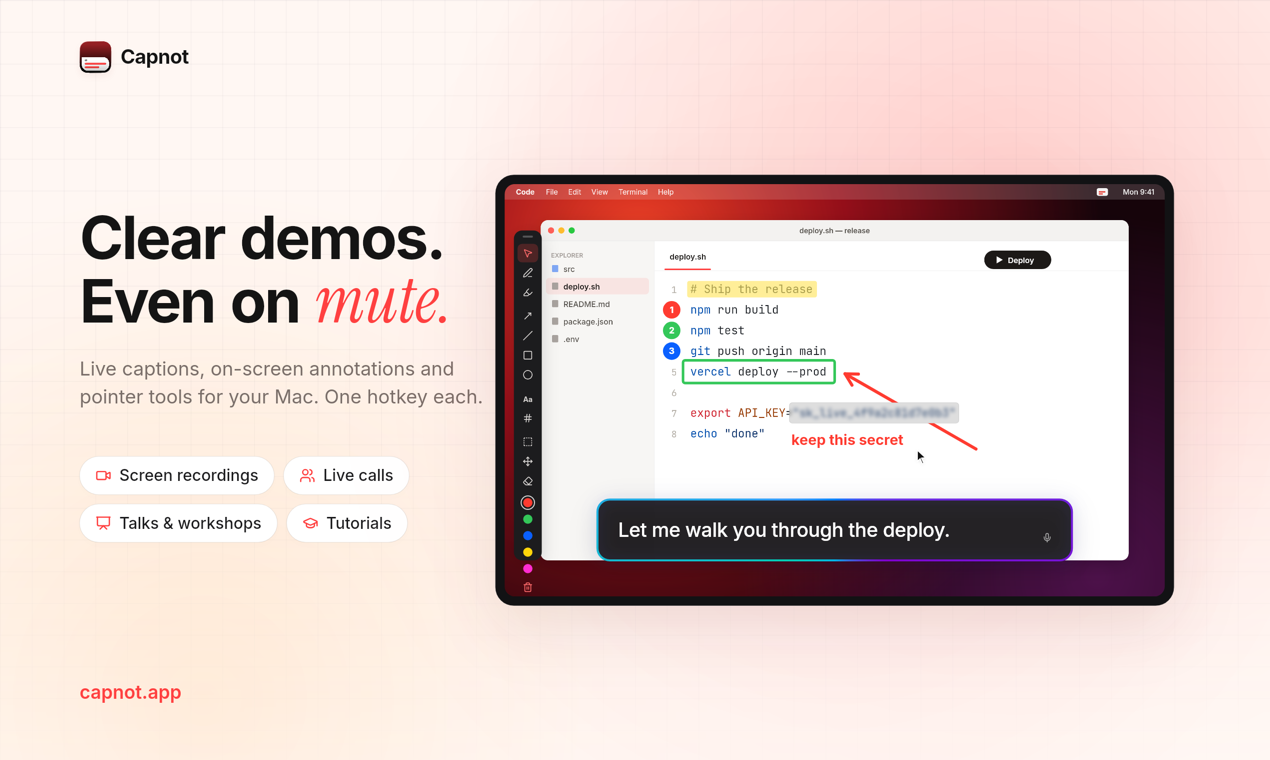
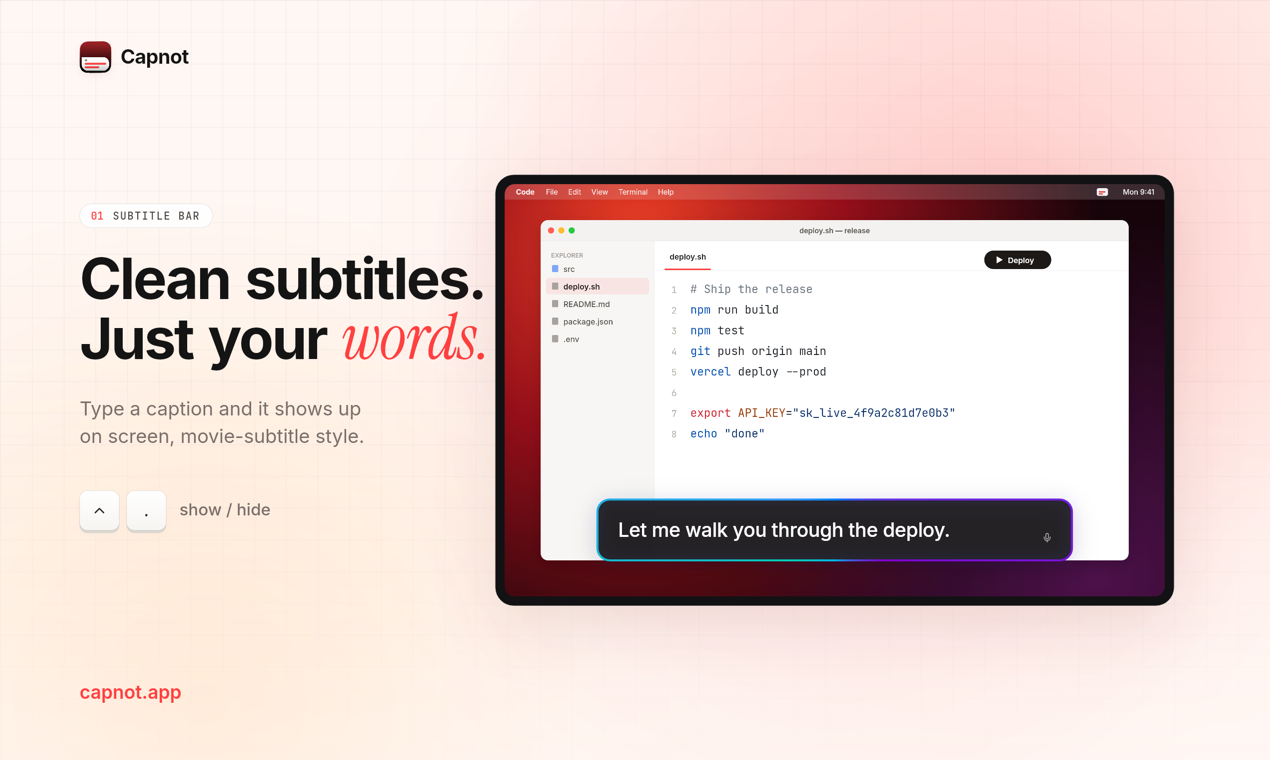
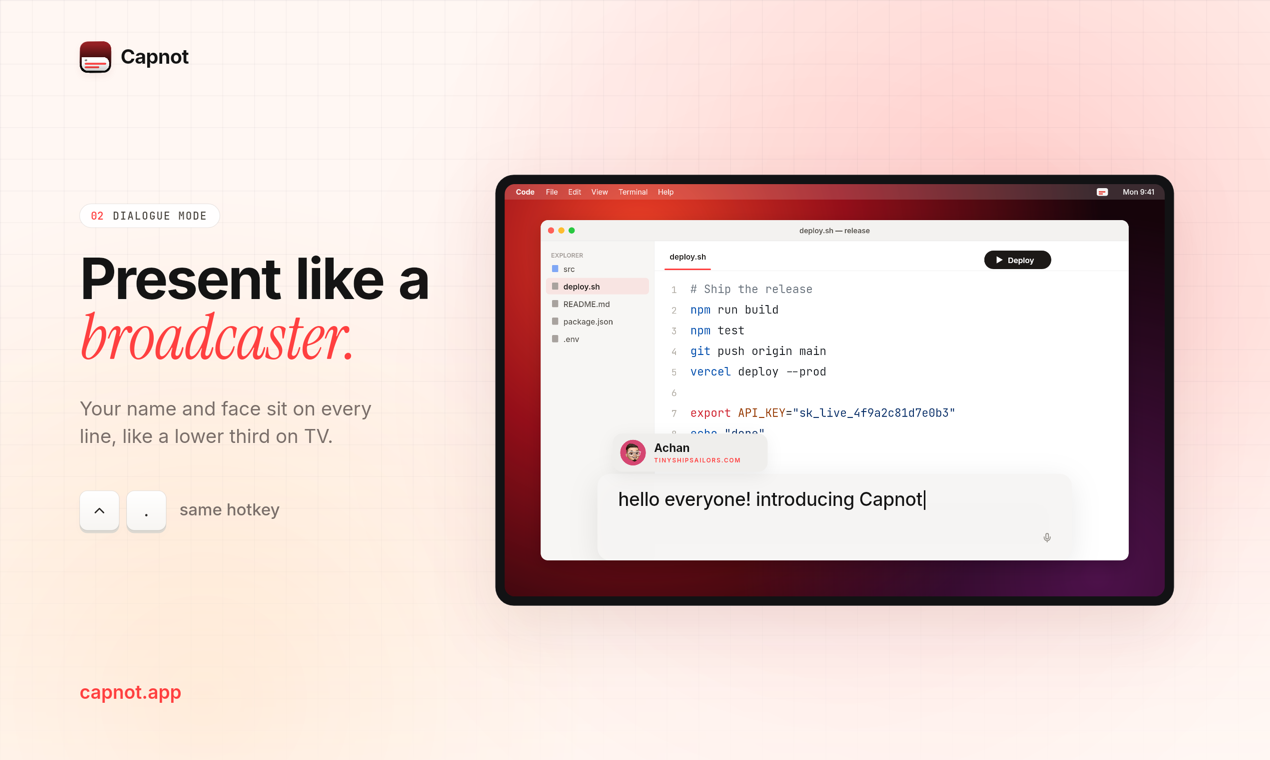
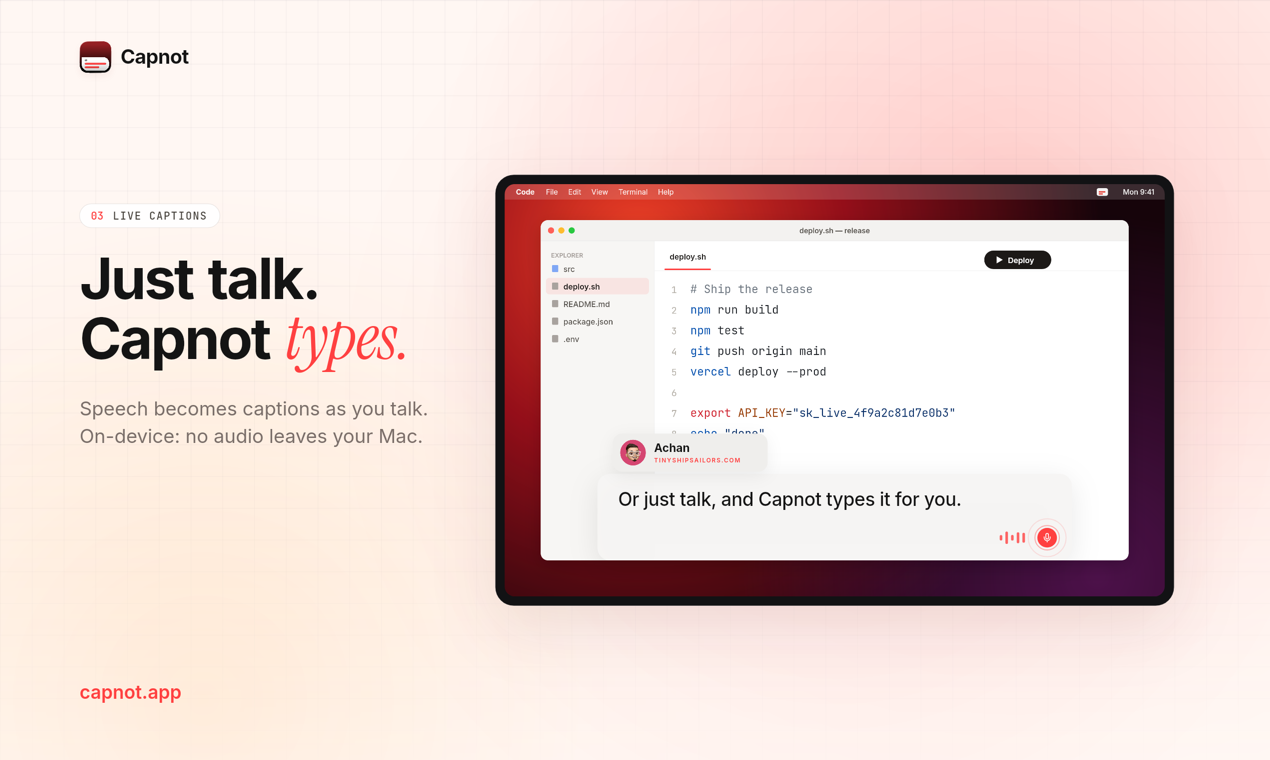
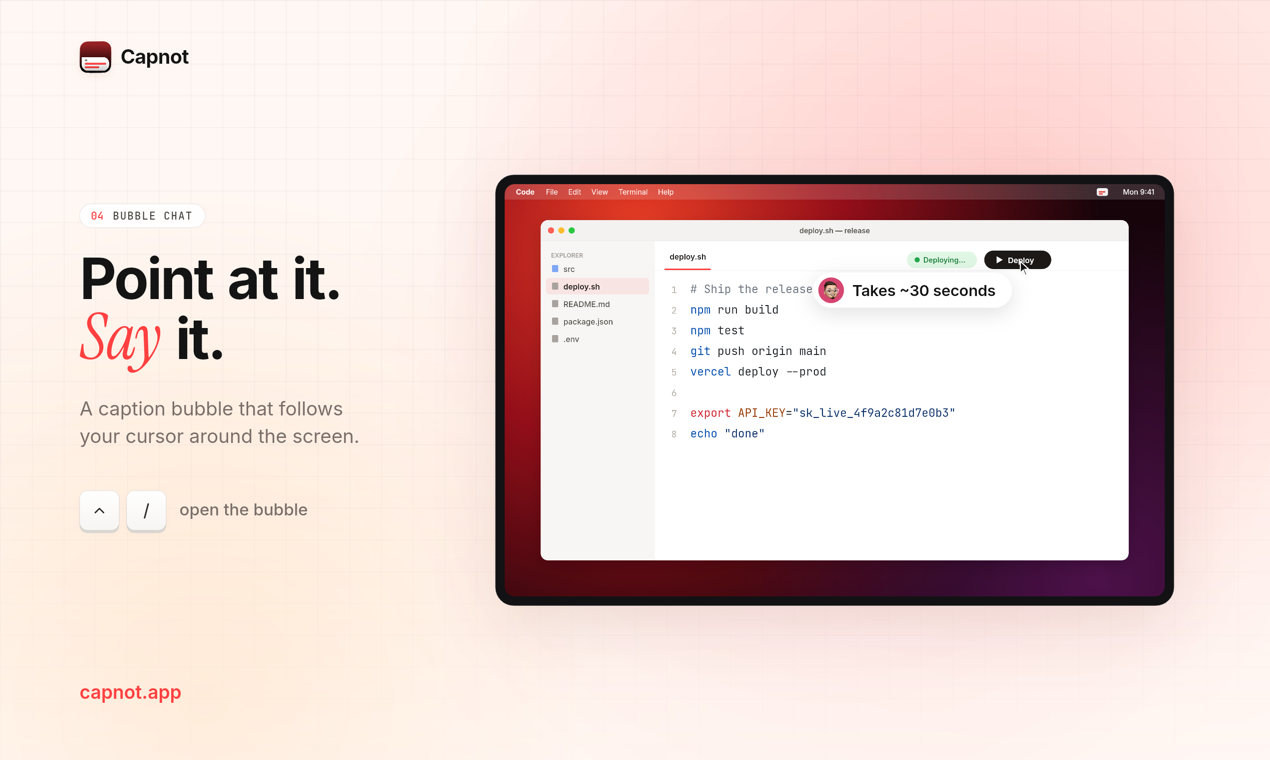
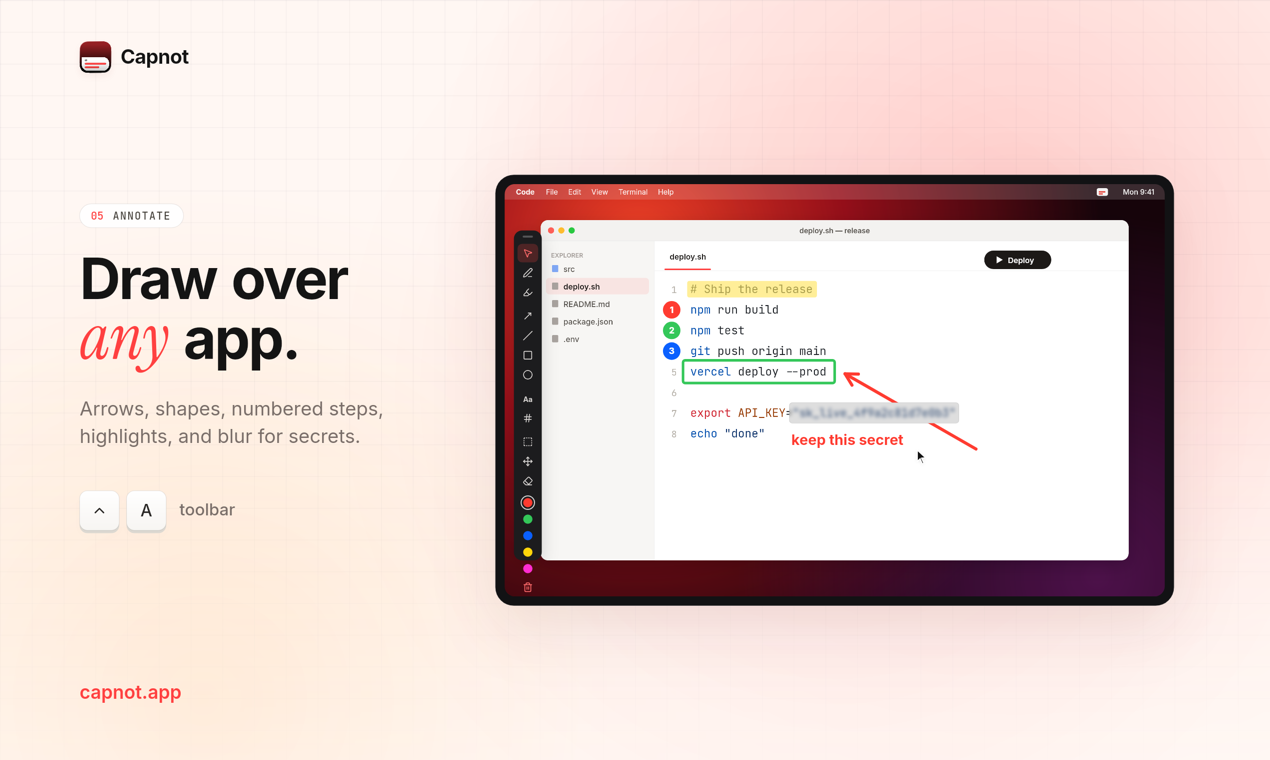
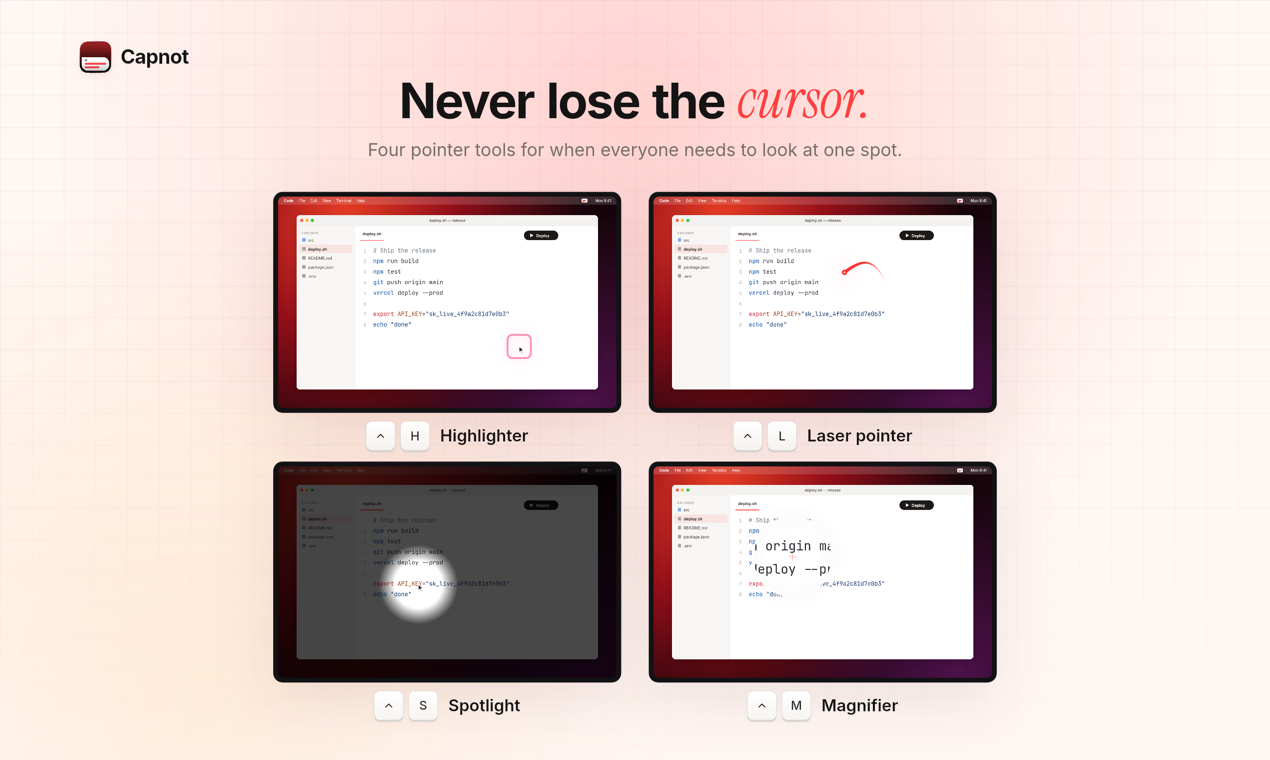
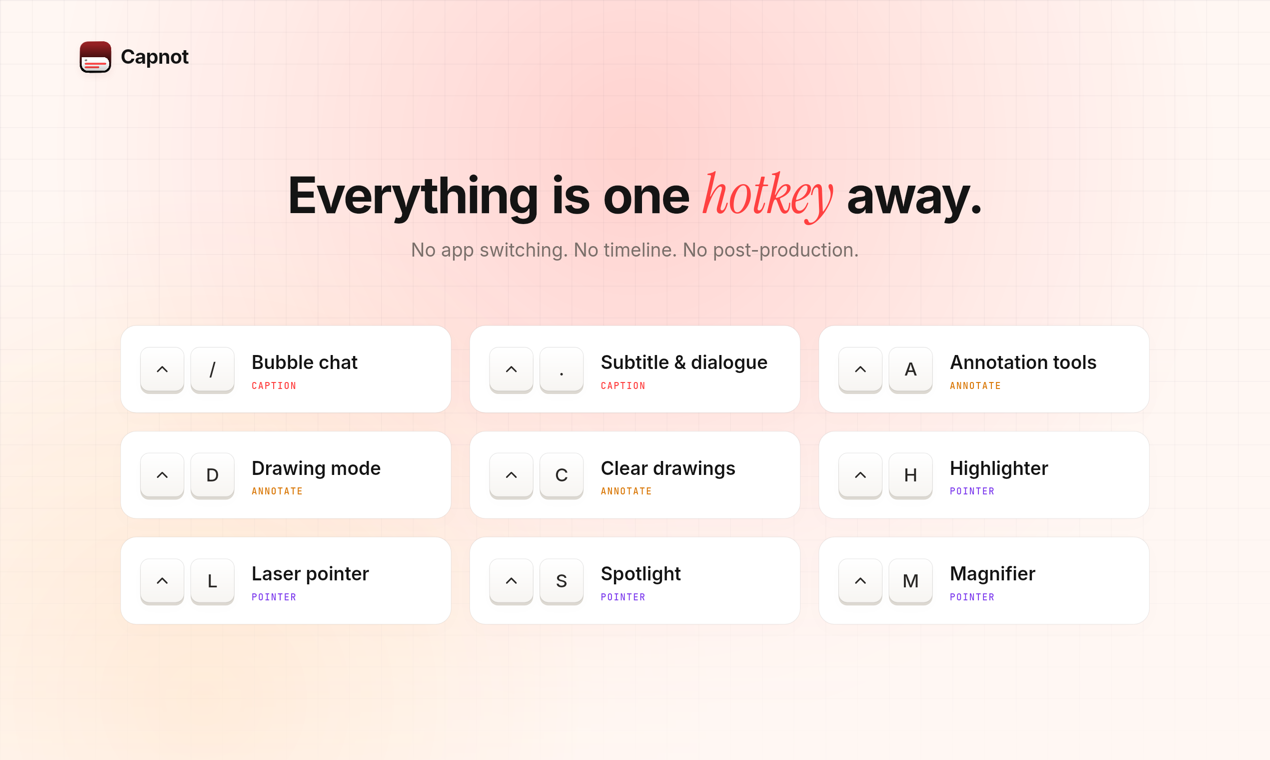
Capnot puts captions, drawings, and a cursor people can follow on your Mac screen while you record, share, or present. One hotkey each. No app switching, no editing afterwards.
It works on mute. Type what you would have said, or turn on Live Captions and just talk. Transcription runs on-device, so no audio leaves your Mac.
What it does
- Caption: a bubble that follows your cursor, a subtitle bar, and Dialogue Mode with your name and photo, like a lower third on TV.
- Annotate: pen, arrows, shapes, text, numbered steps, highlights, and a blur box for secrets.
- Point: cursor highlighter, laser pointer, spotlight, and magnifier.
- A 7-day free trial, then one purchase. No subscription. macOS 13 or later.